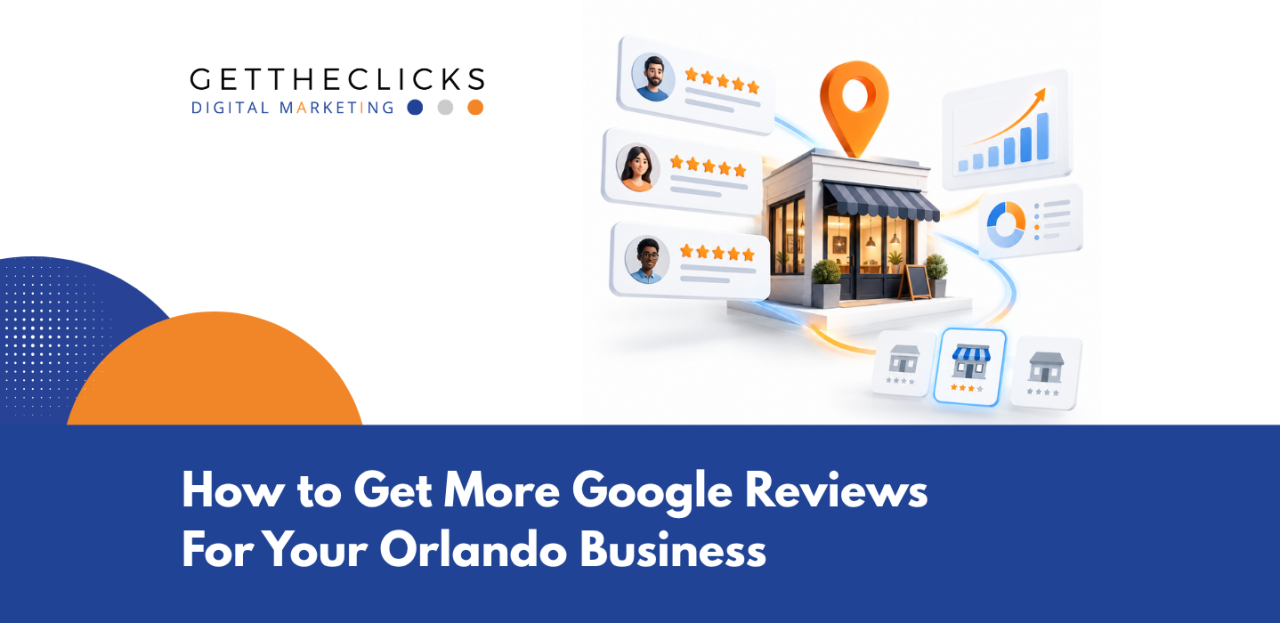
Your business might be doing everything right. Great service. Happy customers. A steady stream of referrals. But when someone in Winter Park or downtown Orlando searches for a business like yours, what do they see? If your Google profile shows 12 reviews while your competitor shows 87, the decision happens before anyone visits your website.
Even the best Orlando digital marketing services that businesses invest in cannot replace the trust those reviews create. Google reviews are not vanity numbers. They are the first conversation a potential customer has with your business. Here are 10 specific ways to change that number, starting right now.
Why Your Google Reviews Profile Shapes Every First Impression
Before you ask a single customer for feedback, you need a profile worth reviewing. Your Google Business Profile is the storefront customers see before they ever call you.
An incomplete profile sends one message: this business is not paying attention. That is the wrong signal when someone in Orlando is comparing three companies and deciding who to trust. Fully built, verified profiles consistently outperform incomplete listings in local search results.
Start by verifying your business with Google. Fill out every field: your address, phone number, service area, hours, and the categories that describe what you do. Upload at least 10 high-quality photos of your work, your team, and your location. Google displays profiles with photos far more often in local searches than those without.
A verified, fully built profile tells Google you are a real, operating Orlando business. That signal matters for local SEO rankings, and it matters for the customer who needs a reason to pick you.
Send a Review Request Within 24 Hours of Finishing Every Job
Timing decides whether your review request works or disappears into the void. If you are looking for ways to boost local rankings, asking while the experience is still fresh matters. Wait three days and the moment is gone.
Your customer has moved on to whatever came next on their list. The satisfaction they felt when you finished the job has faded into something ordinary. They still think you did good work. They just do not feel the same urgency to say so publicly.
Review requests sent within 24 hours of service completion convert at two to three times the rate of requests sent later. The customer still remembers exactly what you did and why it mattered. That clarity produces better, more specific feedback that mentions your service by name.
Do not overthink the ask. A short text or email that says you enjoyed working with them and would appreciate their feedback is all you need. Automate this trigger through your CRM or booking system, so every completed job generates one request without anyone having to remember. No exceptions. No skipped days.
Why Text Message and Email Marketing Both Belong in Your Review System
Different customers respond to different channels. One person taps a text message in seconds and leaves a review before finishing their coffee. Another prefers email, especially for larger purchases where the relationship feels more formal. Smart Orlando businesses use both channels in a sequence that catches nearly every customer.
- Send a text message first. Text messages carry a 98 percent open rate, and the Google review form opens directly in Maps when your customer taps the link. For service businesses in Orlando, SMS review requests convert at 15 to 30 percent. The entire process takes under a minute. Make SMS your primary review channel for every customer who shares a phone number.
- Follow up with email marketing. About 20 percent of your customers don’t respond to business texts. A clean, short email with a clear subject line and a direct link catches those people. Adding a review request as a secondary ask in your post-service email flow creates a reliable backup channel that costs nothing to run.
Share a Short Review Link That Opens in Two Seconds
The fastest way to lose a review is to make the process difficult. If your customer has to search for your business name on Google, scroll through results, find your profile, and then figure out where to leave a review, you have already lost 70 percent of them. People want to help. They do not want to work for it.
Of all the ways to get more reviews, removing unnecessary steps is one of the simplest. Create your review link directly from your Google Business Profile dashboard and test it on a mobile phone. Does it go straight to the review form in Google Maps? If it opens a desktop page or a landing page that asks the customer to click again, fix it immediately.
Every extra step cuts your conversion rate by half or more. Save this link where your team can access it instantly. Put it in your text templates, email signatures, booking confirmations, and invoices. When a customer is ready to leave feedback, the path should be one tap away. That single improvement in quality and convenience can double your monthly review count.
Build Review Conversations Into Every Customer Service Interaction
Your team talks to customers every single day. The person who answers the phone. The technician who finishes the repair. The front desk staff member who checks them out. Each of those moments is a review opportunity that most businesses leave on the table. Your clients are already standing right in front of you, satisfied with the work you just completed.
Train your team to ask for reviews in a way that feels natural, not scripted. After a customer says they are happy with the work, let them know a Google review helps other Orlando families find your business. That is not pushy. That is a business that genuinely cares about its reputation.
The person who delivered the service should be the one who asks. They built the relationship and know the customer’s name. When the request comes from someone the customer trusts, the response rate climbs. Make this a customer service habit your entire team practices, not a marketing task.
Handle Every Review With Speed and Care
Reviews are not a one-way street. Google tracks how quickly and thoughtfully you respond. A business that replies to every review within 48 hours signals active management, and that signal feeds directly into your local search ranking.
- Reply to positive reviews with real appreciation, not a copy-paste template. Use the customer’s name. Mention something specific about the service you provided and naturally include your service type and city in the response. Instead of a generic thank you, tell Lisa you are glad your team got her roof sealed before the afternoon storms hit Winter Park. That reply tells Google what you do and where you do it, and it shows future customers you actually read what they wrote.
- Address negative reviews calmly within 24 hours. Acknowledge the customer’s frustration without arguing. Offer to resolve the issue by phone or email, keeping your tone professional. A single negative review with a thoughtful response builds more trust than ten positive reviews with zero replies. Most people reading your reviews are checking how you handle problems, not whether you ever have them.
Ask Customers to Share Photos That Trigger the Google Review Prompt
Here is a tactic that works especially well for home services, contractors, and cleaning companies. Instead of asking directly for a review, ask your customer to share a photo of the completed job on your Google profile. The psychology shifts. Asking for a photo feels lighter than asking for a review, and a proud homeowner rarely says no. This approach feels more like sharing a success than completing a task.
When a customer uploads a photo to your Google Business Profile, Google automatically prompts them to write a review. You are not asking for the review at all. You are asking for something natural: a picture of the work you completed that other Orlando homeowners can see.
Businesses using this photo funnel report conversion rates of 30 to 40 percent, compared to 10 to 15 percent for direct review requests. The reviews that follow include photos, which make your profile stand out and build trust with people researching your business.
Follow Up With Past Customers Who Already Trust You
Your last 12 months of customers are a gold mine that most Orlando businesses never touch. These are people who already paid you, received good service, and have an opinion about your work. They were simply never asked. Pull your customer list from the past year and remove anyone with an unresolved issue. Everyone else is a candidate for a warm follow-up.
Send a short personal email. Keep it direct: you were reviewing your records and realized you never asked for their honest review. If they had a good experience, a Google review would mean a lot to your business. Include your direct link.
Send these in small batches of 10 to 15 at a time. Google watches for unnatural review velocity and may filter bursts of feedback that arrive all at once. Spread your outreach across several weeks. Done consistently, this one habit can add 20 to 30 reviews from past customers in your first month. That is real reputation management, built on relationships you already have.
Get the Clicks: Your Orlando Google Review Growth Partner
We help Orlando businesses build review systems that run on autopilot. From profile setup to review request automation to response management, our team handles the full process so you can focus on serving your customers. Ready to see what a fully managed review strategy can do for your local rankings? Contact us today!
Make Us Your Preferred Source
Enjoyed this blog? Use this link to make us your preferred source for the latest insights, tips, and updates. https://www.google.com/preferences/source?q=gettheclicks.com
When you choose us as a preferred source, you’re letting Google know you’d like to see more of our content when it’s relevant to your searches. It helps us stay connected with you and makes it easier for you to find helpful information from our team whenever you need it.